Design a legal intake handoff with clear boundaries
Keep contact collection, attorney review, scheduling, and urgent escalation distinct.
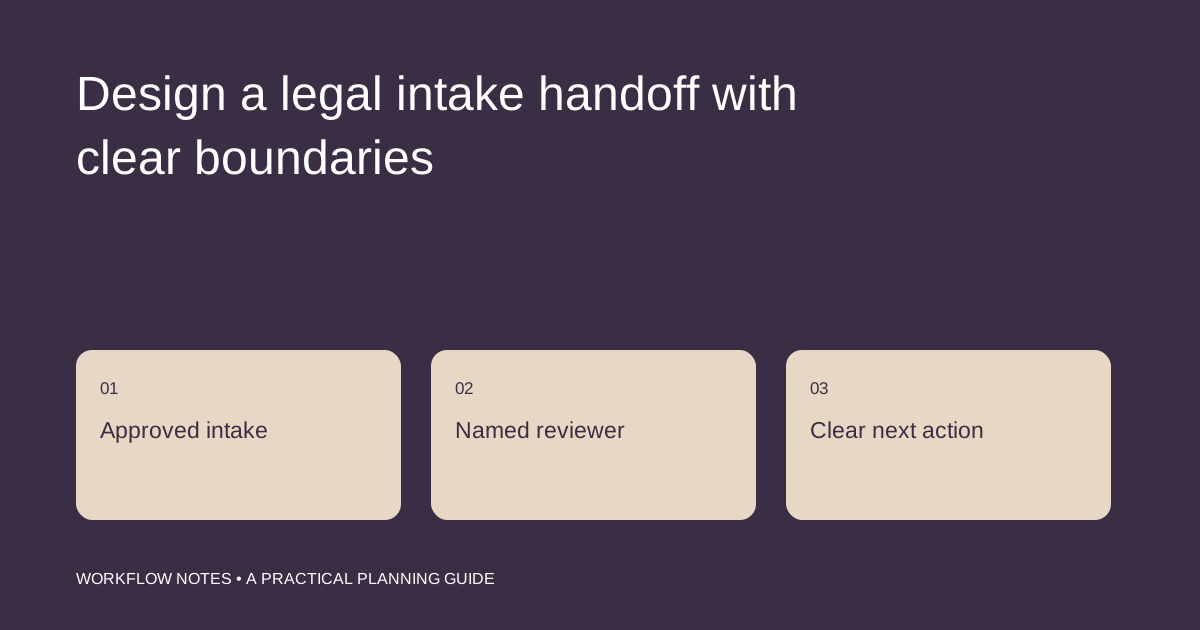
An intake conversation creates several kinds of work at once: collecting basic contact information, recording the caller’s description, checking the firm’s process, and arranging the next appropriate conversation. Problems arise when an administrative acknowledgment sounds like a legal conclusion or a promise that the firm will take the matter.
The practical goal is a dependable intake record with a visible review owner. The attorney determines the legal process and the language used with prospective clients. This article is an operational planning guide, not advice about any particular matter or jurisdiction.
Start with the firm-approved intake script
An assistant needs more than a list of questions. Supply the opening language, information that may be collected, questions that must be routed to an attorney, and the approved ending. Specify what happens when a caller describes an urgent deadline or asks whether the firm represents them.
The script should make the assistant’s role clear. Do not rely on a job title alone to prevent misunderstandings. If the caller asks for a recommendation about legal action, the next step is the firm’s escalation procedure, not an improvised answer.
Collect only what the initial stage needs
The firm should decide which fields belong in preliminary intake and which belong in a later, appropriately controlled process. A public website form should not invite a detailed case file merely because it has a large message box.
For an administrative record, useful fields may include the approved contact details, preferred response channel, a brief description in the caller’s own words, and the routing category defined by the firm. Avoid adding personal interpretations that sound like findings of fact.
Keep review status separate from appointment status
A consultation on the calendar does not, by itself, establish that the firm has accepted a matter. A complete contact record also does not mean a conflict review or any other professional check is complete.
| Administrative event | What the record should show |
|---|---|
| Inquiry received | Time, approved channel, and intake owner |
| Information gathered | Required fields completed or gaps identified |
| Routed for review | Named professional and review queue |
| Appointment offered | Authorized appointment type and scheduling details |
| Further instructions received | Approved next communication and its owner |
Use separate fields when the firm tracks separate decisions. Combining them into a single “approved” checkbox makes the record difficult to interpret later.
Record urgency without calculating legal deadlines
A caller may mention a hearing, filing date, or other time-sensitive event. Record the statement accurately and apply the firm’s escalation rules. Do not ask the assistant to calculate a legal deadline from incomplete information or assure the caller that there is enough time.
A helpful handoff identifies what was said, when it was received, how the caller can be reached, and who has been notified. If the assigned reviewer is unavailable, the escalation plan should name a backup. A flag with no recipient is not a complete handoff.
Make changes traceable
People correct names, contact details, and descriptions. Update the operational record using the firm’s procedure, preserving the relevant history. When a correction affects routing or a scheduled conversation, notify the responsible person instead of assuming that a database edit will be noticed.
Access should follow the firm’s permissions. An assistant needs an approved place to work and a clear rule for attachments; personal email, local downloads, and duplicate spreadsheets should not become an informal intake system.
Audit a small sample of handoffs
Review whether each inquiry has a current owner, whether communications use approved wording, and whether the next action is clear. Look for records that are technically complete but stalled between intake and professional review.
The review should also examine exceptions: urgent inquiries, unclear routing, and callers who misunderstood the assistant’s role. These cases often reveal a missing script or escalation step more clearly than the average response-time figure.
Our legal intake support focuses on this administrative structure. Matter file organization can support the next stage when the firm has defined the file and permissions. Bring your approved intake flow and review responsibilities to the consultation so any proposed support role fits the way your attorneys work.